
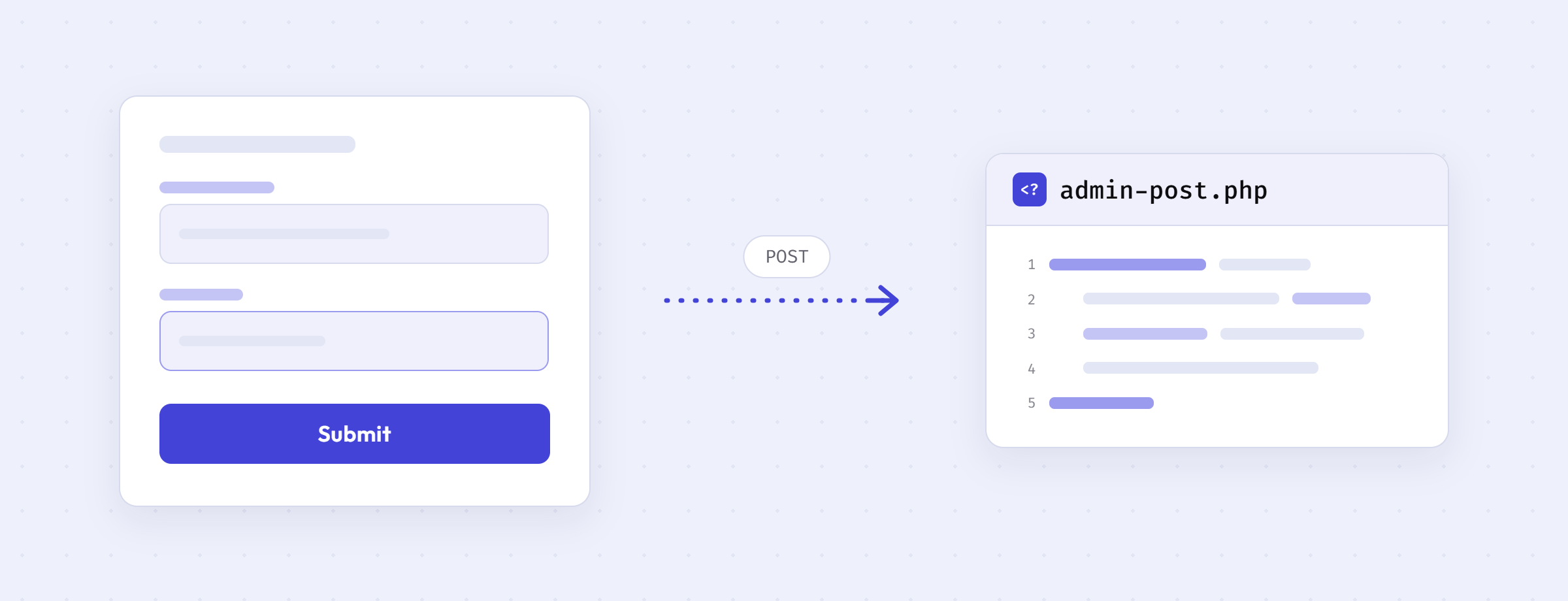
Recently, I came to know about the admin-post.php file, which is the WordPress Generic Request (POST/GET) Handler — intended for form submission handling in themes and plugins.
So, I was working on form handling in a plugin recently, and I have used the admin_post_{$action} hook, which executes if the user is logged in. That’s when I learned about admin-post.php. It also allows handling form submissions for non-logged-in users with a different hook. I have been using WordPress for 10 years, but I was not aware of this file. That’s the thing about WordPress — there is so much to learn, even after all these years. That’s why I say, learn WordPress deeply. Also, I think many other developers may not know about this file either — that’s why I am writing this post.
How it works
You point your form’s action attribute to admin-post.php and pass an action field in the request:
<form method="post" action="<?php echo esc_url( admin_url( 'admin-post.php' ) ); ?>">
	<input type="hidden" name="action" value="submit_feedback">
	<?php wp_nonce_field( 'submit_feedback', 'submit_feedback_nonce' ); ?>
	<textarea name="feedback" required></textarea>
	<?php submit_button( 'Submit Feedback' ); ?>
</form>
Then you register a callback for your action:
add_action( 'admin_post_submit_feedback', 'my_plugin_handle_feedback' );

function my_plugin_handle_feedback() {
	if ( ! isset( $_POST['submit_feedback_nonce'] ) || ! wp_verify_nonce( $_POST['submit_feedback_nonce'], 'submit_feedback' ) ) {
		wp_die( 'Invalid request.' );
	}

	// Process the form data here.

	wp_safe_redirect( wp_get_referer() );
	exit;
}
Here, WordPress loads admin-post.php, reads the action from the request, and fires the matching hook. Your callback does the rest.
Available hooks
Following are the hooks fired by admin-post.php:
admin_post_{$action}— fires for logged-in users when an action is supplied.admin_post_nopriv_{$action}— fires for non-logged-in users when an action is supplied. Useful for front-end forms like contact forms.admin_post— fires for logged-in users when no action is supplied.admin_post_nopriv— fires for non-logged-in users when no action is supplied.
If you want to handle the same form for both logged-in and non-logged-in users, you need to register your callback on both admin_post_{$action} and admin_post_nopriv_{$action} hooks.
Important Notes
- All these hooks exist since WordPress 2.6.0, so it is safe to use them in any plugin or theme.
- If no callback is registered for the given action, WordPress responds with a
400 Bad Requestusingwp_die(). admin_post_{$action}only checks if the user is logged in — it does not check capabilities. It is better to verify a nonce and checkcurrent_user_can()yourself in the callback.- Even though the file lives in
wp-admin, non-logged-in users can also hit it — that’s the whole point of thenoprivhooks. Don’t assume it is admin-only. - If you want to see how it works internally, the file is small enough to read in one go: admin-post.php source.
tldr; admin-post.php is a built-in WordPress handler for form submissions. Point your form to it, pass an action, and hook into admin_post_{$action} (logged-in) or admin_post_nopriv_{$action} (non-logged-in). No need to build your own form handling from scratch.
Leave a Reply